
Find and Watch a Meeting
Grid Monitor centralizes live and archived meeting coverage so you can move from an upcoming meeting to its video, transcript, agenda, documents, and later summary without searching multiple outside sites.
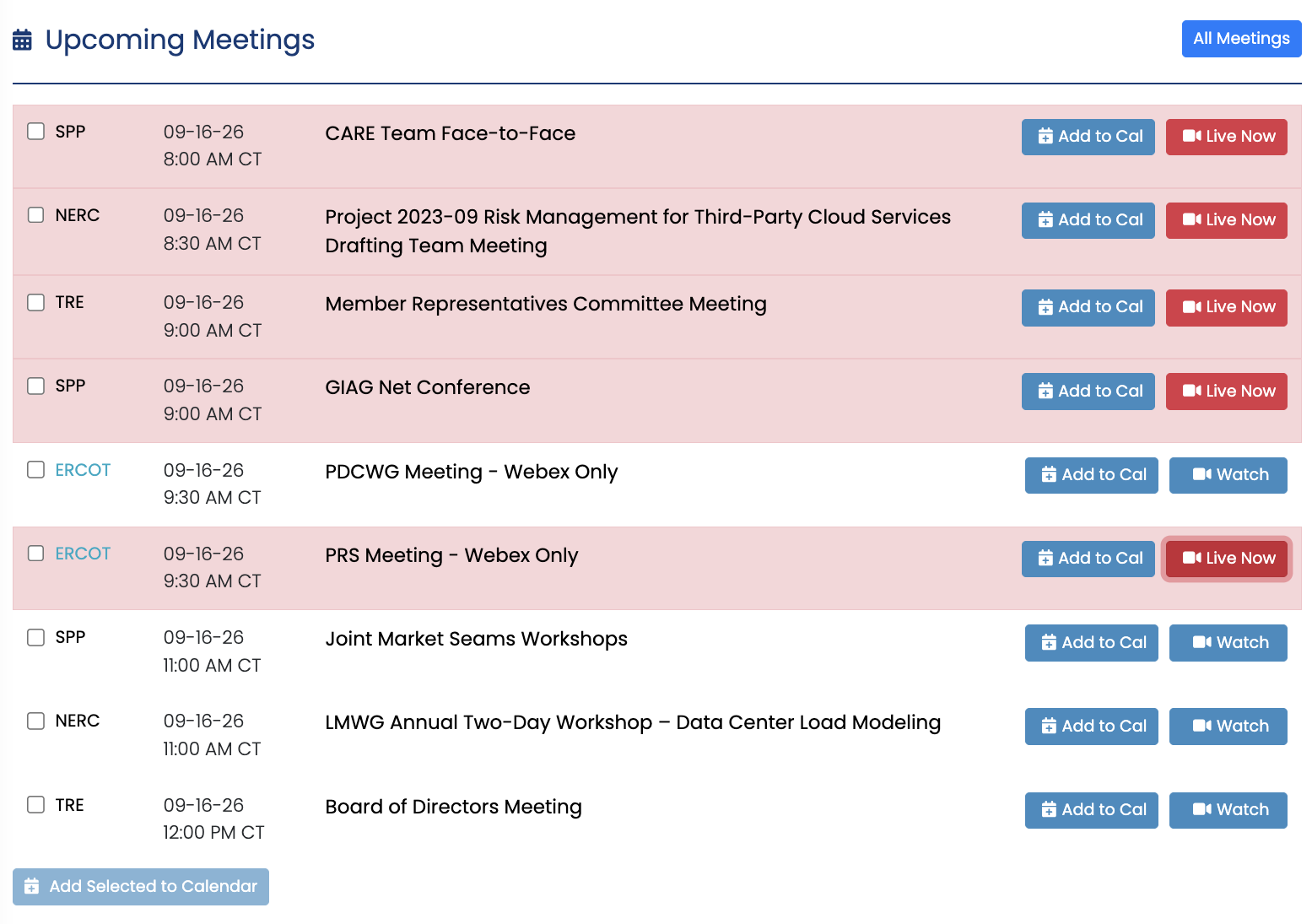
Open a Meeting from the Dashboard
- Find the meeting in Upcoming Meetings.
- Select Watch to open the meeting page.
- If the meeting is live, use the live video and transcript as available.
- If the meeting is archived, use Smart Agenda, the transcript, clips, and documents to jump to the portion you need.
Find an Older Meeting
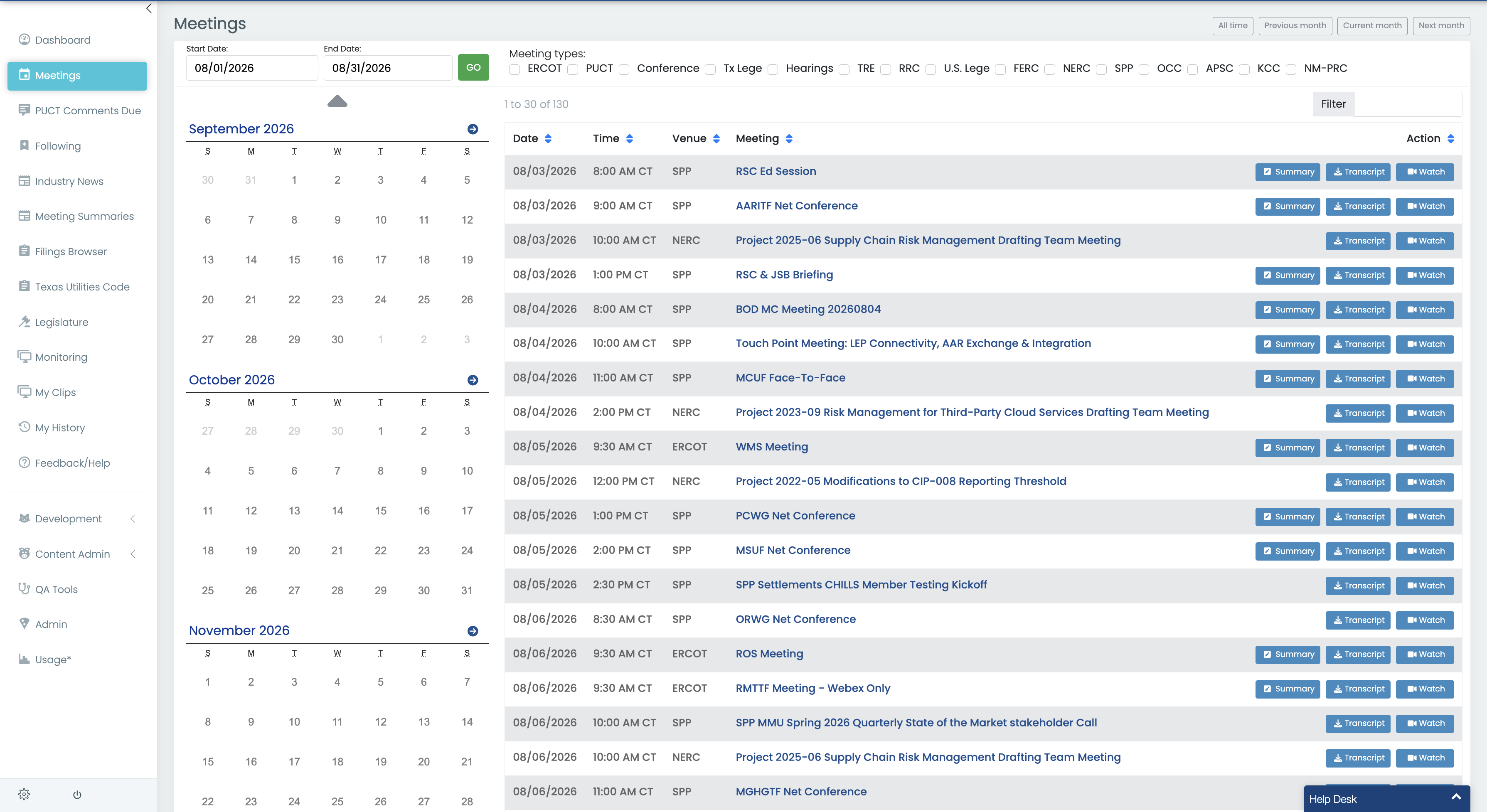
Open Meetings from the main navigation when you need a meeting that is not on the Dashboard. Use the available search, date, venue, or other filters to narrow the list, then open the meeting record.
TIP: If you only need the major takeaways from an archived meeting, start with Meeting Summaries. If you know the specific agenda item, Smart Agenda is often the fastest path to the original discussion.
Last updated: 9/16/26, 7:36 PM