
Follow Your First Item
Following an item keeps a known regulatory, market, or legislative item in your personalized Grid Monitor workspace so you do not have to repeatedly search for it.
Follow an Item
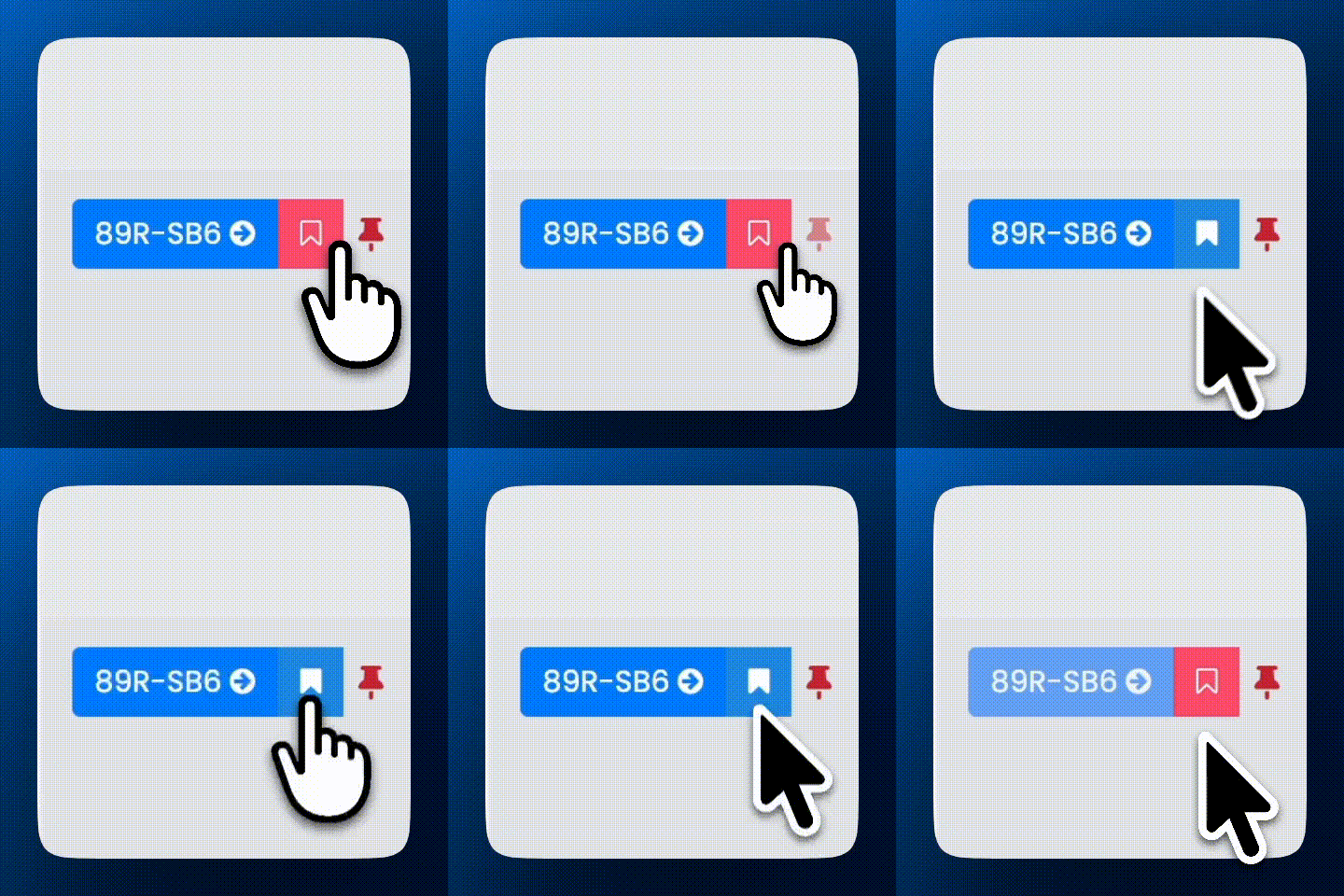
 89R-SB6 Badge
- Open or locate a supported item you want to track, such as an ERCOT revision request, PUCT project or docket, Texas bill, or supported SPP control.
- Click the RED icon to Follow an item, it will turn BLUE.
- Open Following from the main navigation to see the item in your list.
Once followed, the item becomes part of your Following workspace. You can return there to review recent filings, agenda activity, news, documents, notes, tags, status, and other available information connected to the item.
Unfollow an Item
When you no longer need an item in your Following list, click its icon again to return it to the unfollowed state.
New Grid Monitor accounts are preloaded with a starter pack of Followed items. These show in your Following with the BLUE flag.
TIP: Following works best for specific items you already know matter to you. If you want Grid Monitor to discover where a broader topic appears, use Monitoring instead.
Last updated: 9/16/26, 7:35 PM