
Get to Know Your Dashboard
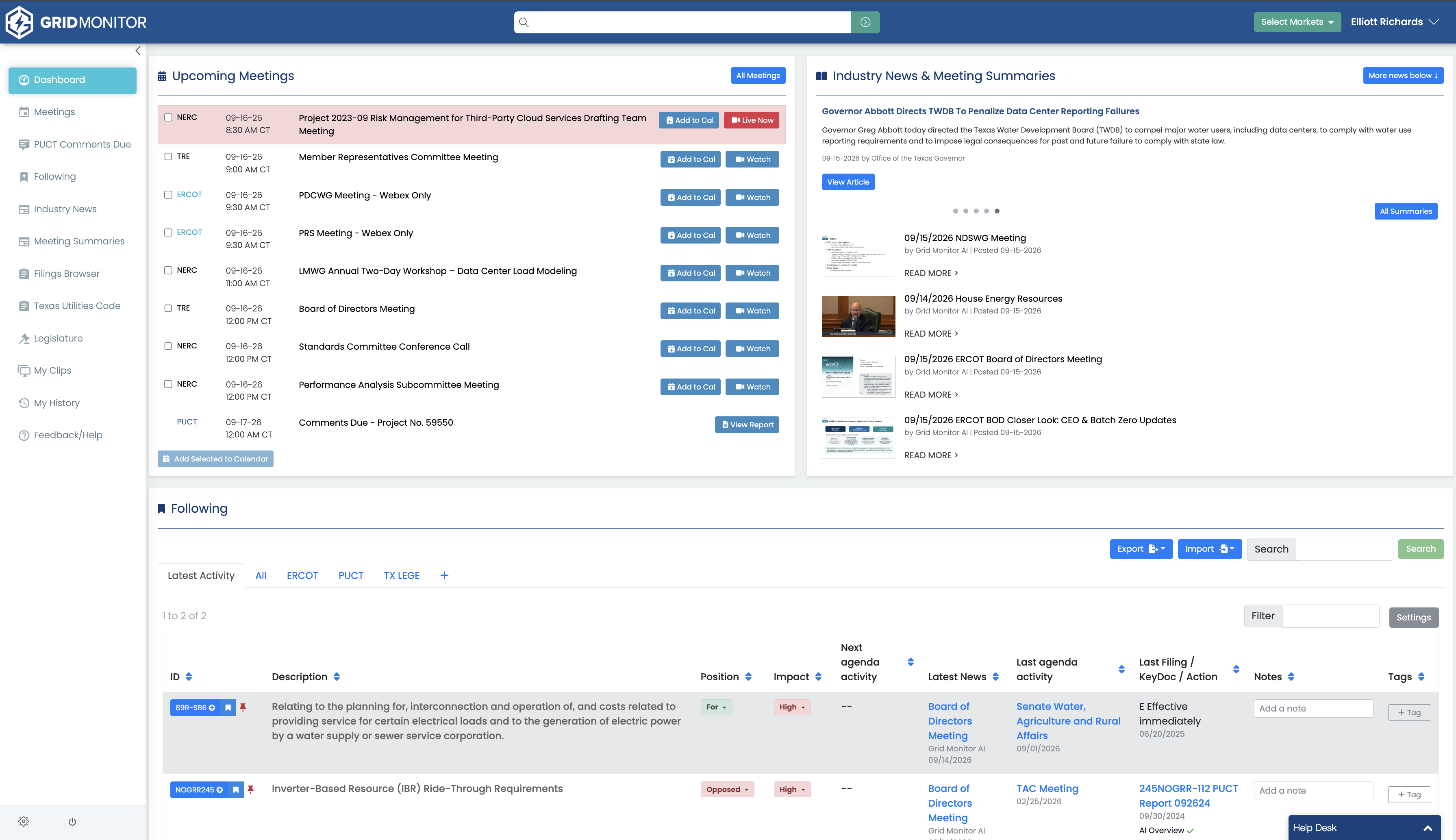
Use the Controls at the Top of Grid Monitor
The top bar contains controls you can use from anywhere in the platform.
- Global Search: search across supported regulatory items, meetings, summaries, transcripts, and documents.
- Account menu: open your profile and account options from your name in the upper-right corner.
- Select Markets: choose the markets and venues shown in your workspace. The options available depend on your subscription.
Review Upcoming Meetings and Deadlines
The Upcoming Meetings panel shows meetings and supported deadlines scheduled for the coming days. Each row identifies the venue, date and time, and meeting name.
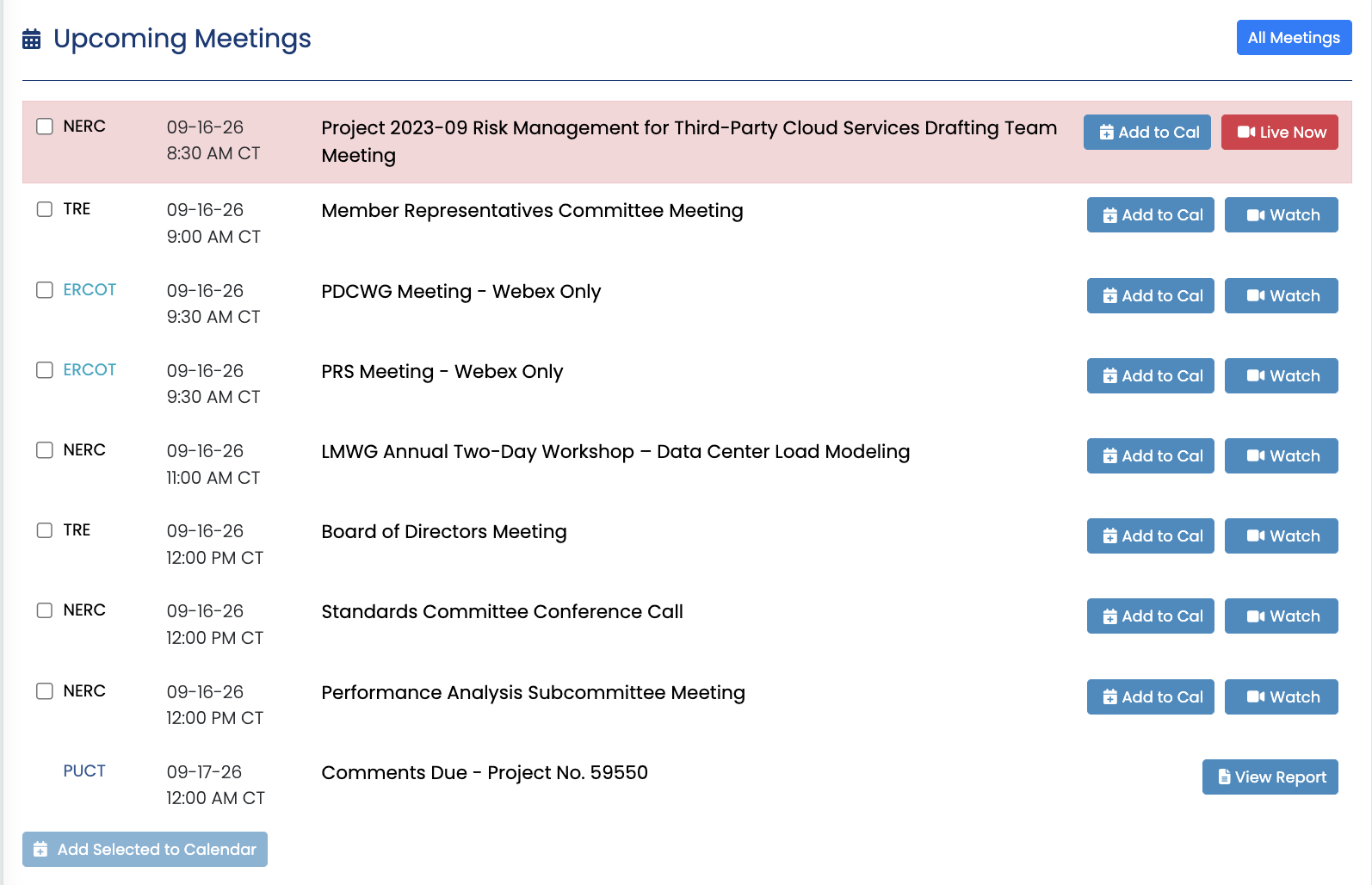
- Select Watch to open the meeting page or live coverage.
- Select Add to Cal to add an individual meeting to your calendar.
- Select multiple meetings and use Add Selected to Calendar when available.
- For supported Comments Due deadlines, select View Report to review the corresponding report.
- Select All Meetings to open the complete meetings list.
Catch Up on Recent Intelligence
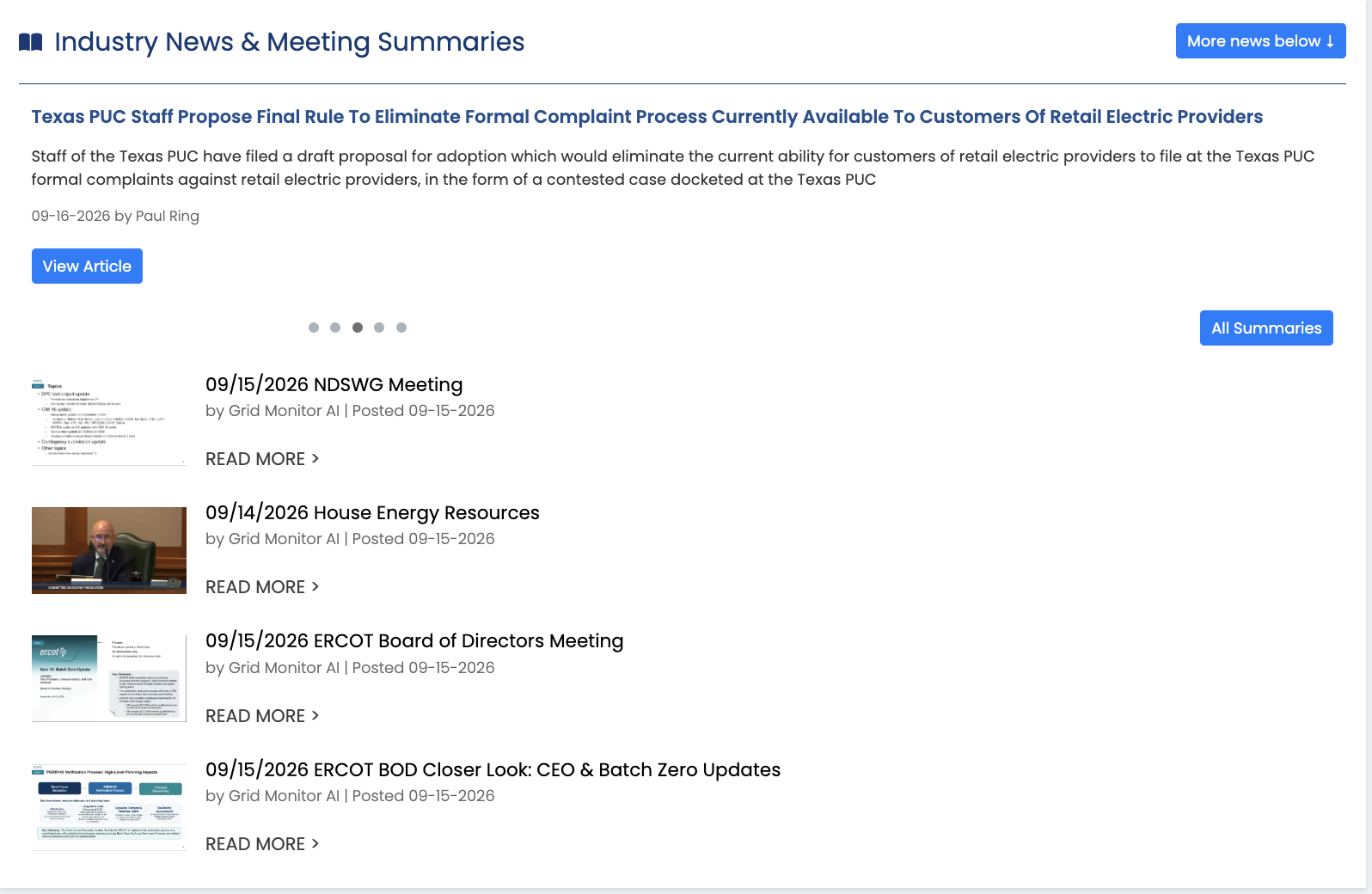
The Industry News and Meeting Summaries areas help you catch up quickly. Open a recent summary to see the important portions of a meeting, or use Industry News to review curated reporting relevant to the markets and venues you cover.
Use Following as Your Daily Regulatory Tracker
The Following panel displays the bills, PUCT projects and dockets, ERCOT issues and revision requests, SPP controls, and other supported items you have chosen to track.
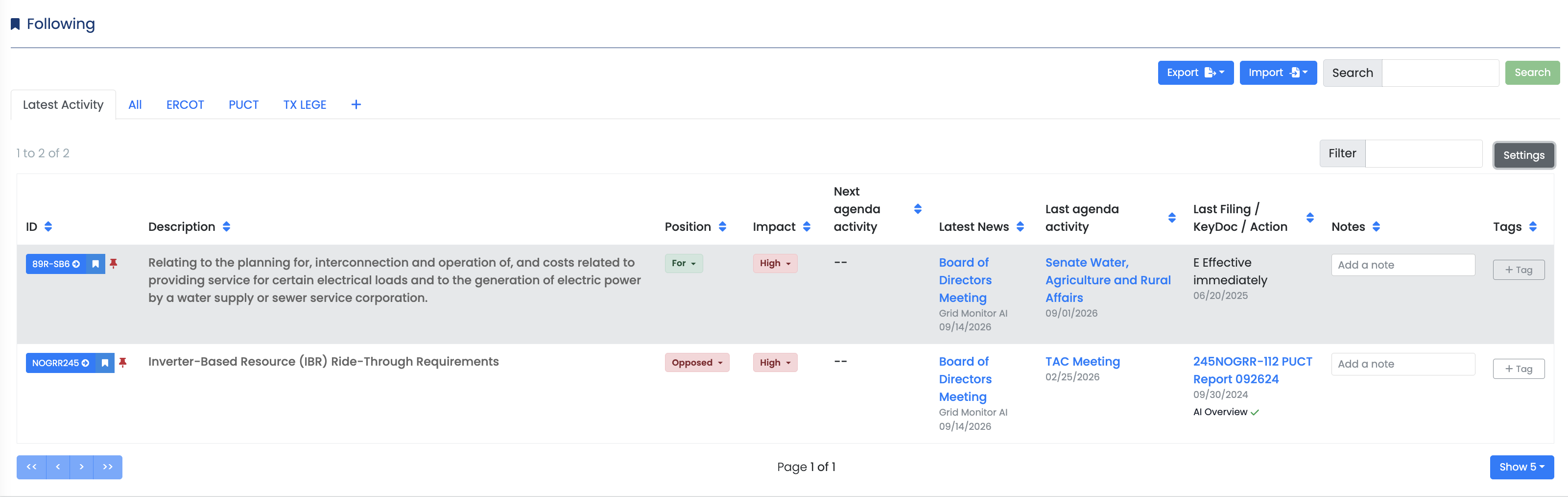
Depending on your configuration, the table can show information such as next agenda activity, latest news, last agenda activity, recent filings or KeyDocs, notes, tags, and status.
Use tabs and custom tag views to narrow the table to the venue, issue, or group of items you need. You can also search, filter, configure table columns, and open supporting activity directly from a followed item.
Recommended First Steps
- Use Select Markets to choose the coverage relevant to your work.
- Review the next meeting or deadline in Upcoming Meetings.
- Follow three to five high-priority regulatory items.
- Add a note or tag to one Followed item.
- Open the item's latest filing, KeyDoc, or agenda activity from Following.